


Multi-Instrument Data Registration - Features
Centralized Management of Data from Multiple Analytical Instruments in the LabSolutions Database
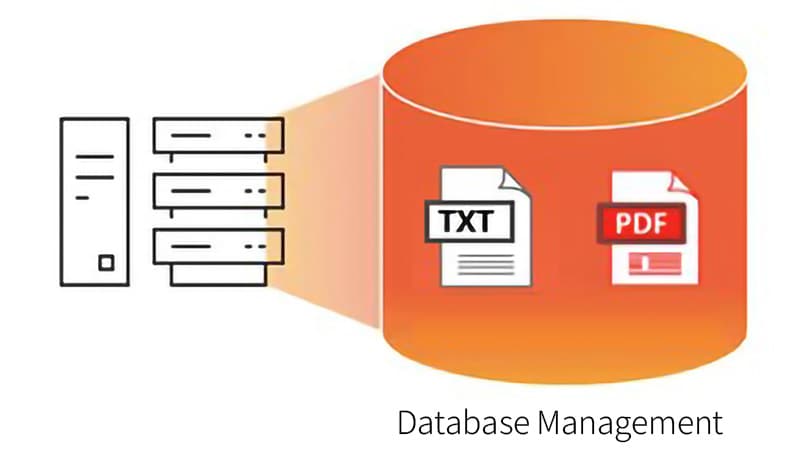
In LabSolutions DB/CS, analytical data—along with related operation records, system information, and user information—is automatically registered in the database for centralized management. By utilizing the Multi-Instrument Data Registration feature, analytical information in text, Excel, and PDF formats can be automatically imported from non-Shimadzu instruments, allowing centralized management in the database. When sending data and reports to informatics systems, such as LIMS, they can be automatically transferred in a standardized format, facilitating efficient system integration.
Leveraging this feature enables efficient and secure centralized data management for all laboratory instruments, as well as the effective use of data tailored to laboratory operations.
Centralized Management Simplifies Backup Operations
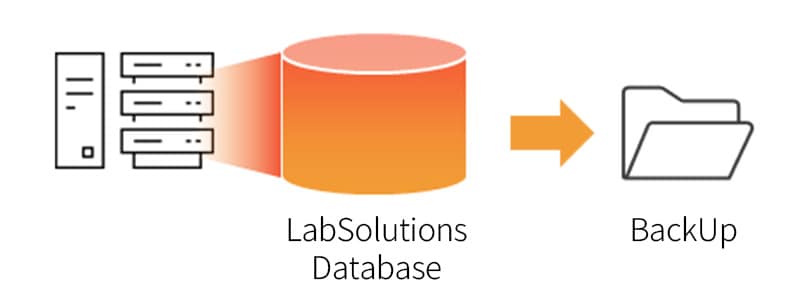
By centrally managing data in the LabSolutions database, backup operations for data from different analytical instruments can be performed collectively.
LabSolutions is equipped with a standard system backup feature, which can be used as a disaster recovery plan in the event of hard drive failure or natural disasters.
Create Reports by Combining Data from Multiple Analytical Instruments
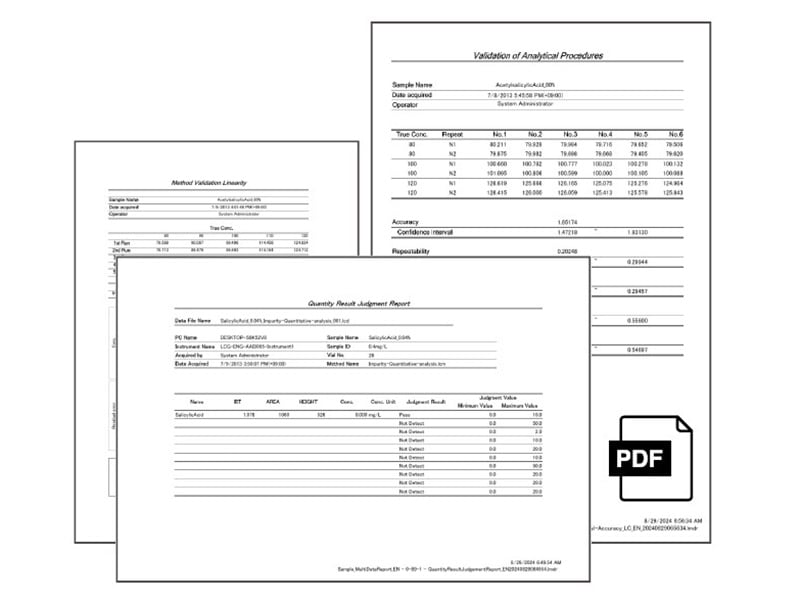
By utilizing the Multi-Data Report feature, all data—including data from non-Shimadzu analytical instruments managed in the LabSolutions database—can be automatically populated into report templates to generate reports.
Furthermore, it is possible to create reports that combine data from multiple analytical instruments, not just from a single instrument. Automating report creation helps prevent transcription errors, data tampering, and the generation of reports without proper analysis.
For more details about the Multi-Data Report feature, click here.